Built for Malaysian SME F&B

The affordable all-in-one POS for your restaurant.

Ezserve runs on the devices you already own — Android, iPhone, iPad or iMin. No costly Windows till, no server. Just a simple, cloud POS for cafés, kopitiams and restaurants.

Chat on WhatsApp Read the docs →
Get the app: App Store Google Play
Ezserve POS order screen running on a restaurant tablet
TRUSTED BY F&B ACROSS MALAYSIA
Long Heong Restoran Akbar Utama Danga Bay Mammy Kaya Richiamo Coffee Veera

Five ways to order

However your customers order, Ezserve handles it

One system for the whole floor — dine-in at the counter or the table, takeaway, QR self-order and prepaid pickup.

01

Dine-in at the counter

Take walk-in orders on the cashier terminal, tap a table, add items and charge.

02

Tableside on a tablet

Waitstaff take the order right at the table on a tablet or phone — synced to the counter instantly.

03

Takeaway / counter

Fast custom orders with an auto number that resets daily — or name the order. Straight to charge.

04

QR self-ordering

Guests scan the table QR and order from their own phone. No app to download.

05

Prepaid pickup

Customers order and pay ahead, enter car plate, and get notified when it’s ready to collect.

QR self-ordering

Guests order from their own phone

Each table gets its own QR code. Customers scan, browse your live menu and order — no app to download. The order lands on your counter with an alert.

No app install — opens in the browser
Orders arrive tagged to the right table
Auto-accept or confirm on the terminal
QR self-ordering menu on a customer's phone

Prepaid pickup

Order ahead, skip the wait

Customers order and pay online, then collect. They enter car plate + phone, stay in the car and tap when they arrive — you notify them when it’s ready.

Pay ahead by e-wallet — no queue
Stay-in-car arrival notification
Live status synced both ways
WVX 3229 · Customer arrived12:04
Order ready — customer notified12:09

Everything in one system

A full restaurant system, not just a cash register

From the first order of the day to the closing report — every part of running your F&B business is built in.

Smart kitchen printing

Food to the kitchen, drinks to the bar — auto-routed. Multiple printers, flexible ticket formats.

Payments & split bills

Cash, card, DuitNow & e-wallets. Split a bill by item, quantity or method; auto change & cash drawer.

LHDN e-invoice

Consolidate a month of receipts and submit to LHDN in-app. E-invoice QR on every receipt.

Shift & Z-report

Open with starting cash, log pay in/out, close with a full cash-reconciled Z-report.

Menu, variants & add-ons

Categories, per-variant pricing and one-tap add-ons. Cloud menu syncs to every device.

Member loyalty

Points earn & redeem, member profiles and history, with one-tap point tools at the counter.

Staff & permissions

PIN accounts with ~14 permission toggles and per-category access. Every sale is accountable.

Multi-branch reports

14 report types with Excel export, and every branch compared from one web login.

Trilingual

The whole system runs in English, Bahasa Malaysia and 中文 — switch anytime.

Owner’s web portal

See and control your business from anywhere

The Admin Portal runs in any browser. Watch live sales, pull reports, edit your menu and manage staff and members — across every branch, from one login.

Live sales dashboard
14 report types, Excel export
Cloud menu — auto-syncs to POS
Multi-branch from one login
Ezserve Admin Portal live sales dashboard

Straight talk about internet

What happens if your internet drops

We’ll be honest — Ezserve is a cloud system and needs internet to run at full capacity. Here’s exactly what still works if your connection has a hiccup.

Internet online

Everything works

Terminal, tablet, QR & pickup ordering
Kitchen & bar printing
Live sync to cloud & all devices
Internet down · router on

Counter keeps running

Take orders on the cashier terminal
Printers still work over LAN
Tablet, QR & pickup paused
Router down

Terminal-only mode

Key in orders on the terminal
Printing unavailable
Tablet, QR & pickup paused

Everything you take during an outage is saved and syncs automatically the moment you’re back online — you never lose an order. For full features (tablet, QR and pickup ordering), a working internet connection is required.

Pricing

Simple, low-cost pricing

One-time setup, then pay monthly only for the devices you use.

One-time
RM 800
Registration & setup

Everything you need to go live — done for you:

Your first month of subscription
Full onboarding & staff guidance
Menu data entry done for you
Account & device setup
Monthly subscription

Estimate your monthly cost

Cashier terminals
RM 60 each / month
1
Ordering tablets
RM 20 each / month
2
Your monthly total RM 100/mo
Get this setup on WhatsApp

Estimate only. RM 800 registration is billed once at the start.

Getting started

Up and running in days, not weeks

From your first message to your first sale — here’s how onboarding works.

1

Message us

Tell us about your restaurant on WhatsApp — size, branches and what you need.

2

Try a demo login

We give you a demo ID to sign in and explore Ezserve yourself, risk-free.

3

We set you up

We enter your full menu, configure tax, e-invoice and printers, and prep your devices.

4

Go live

Start taking orders the same week — with our team a WhatsApp message away.

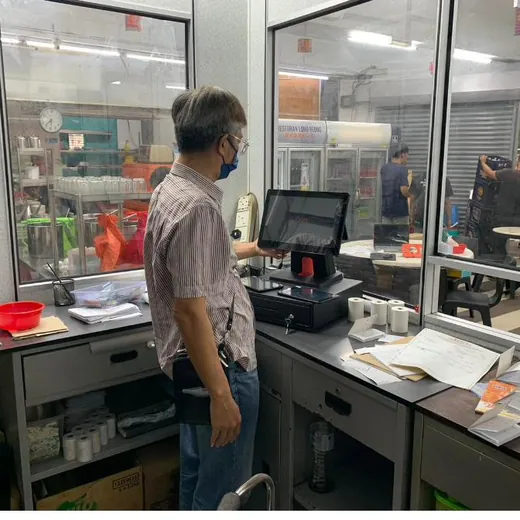
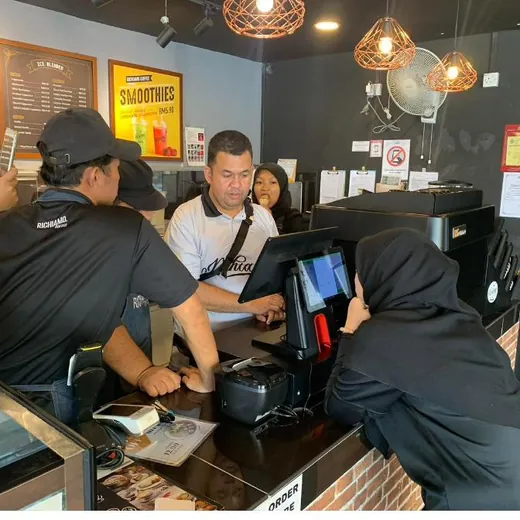
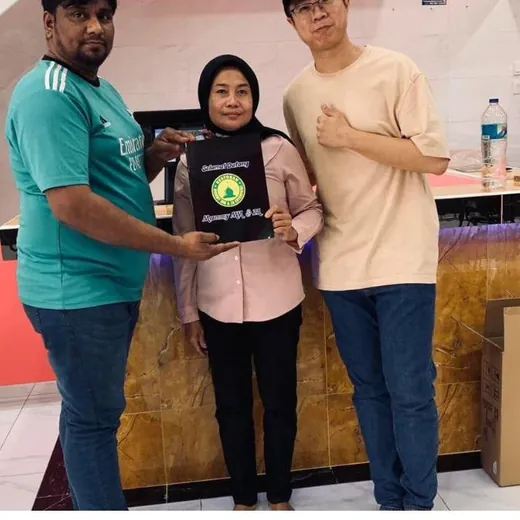
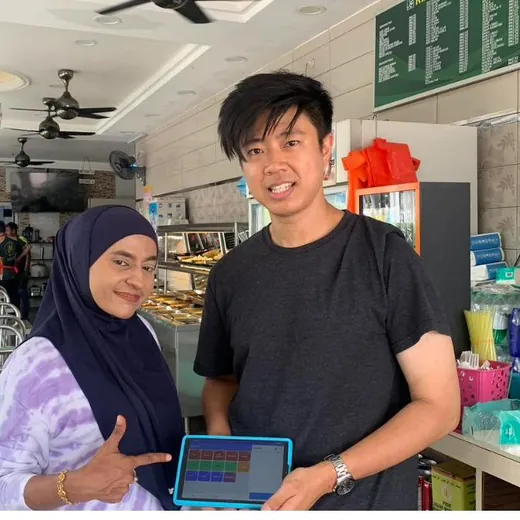
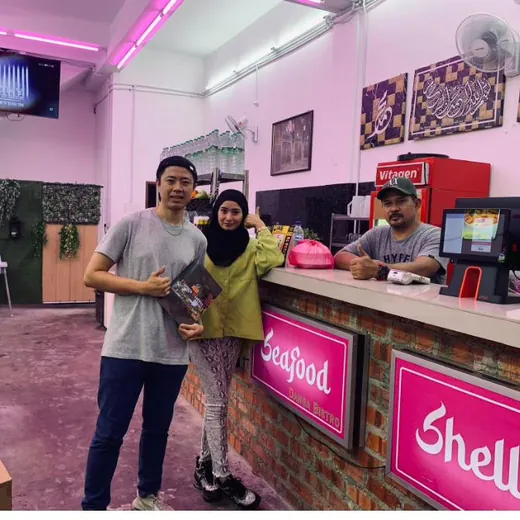
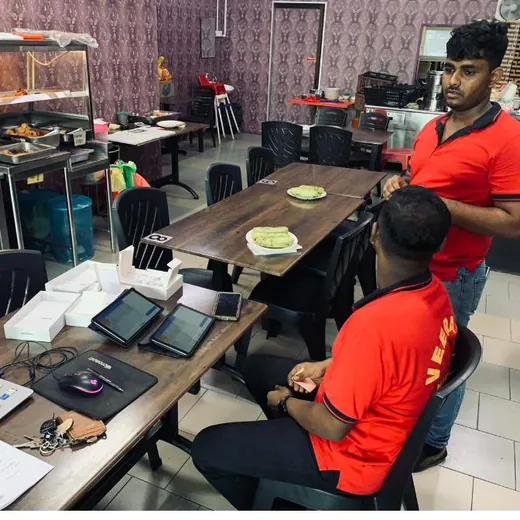
Ezserve POS in use at Long Heong Ezserve POS in use at Richiamo Coffee Ezserve POS in use at Restoran Akbar Utama Ezserve POS in use at Danga Bay

Loved by F&B businesses across Malaysia

Real owners, real counters — here’s what they say.

★★★★★
“Very easy to use, no lag at all even during our busy hours. Training new staff takes minutes.”
Long Heong
Kopitiam · Penang
★★★★★
“Low setup cost and we just used our own tablets. Customer service replies fast on WhatsApp whenever we ask.”
Restoran Akbar Utama
Restaurant · Selangor
★★★★★
“QR ordering and the pickup feature saved us so much time. Our customers love ordering ahead.”
Danga Bay Café
Café · Johor

Frequently asked questions

Can I use my own devices?

Yes — that’s the whole idea. Ezserve installs from the App Store or Google Play onto any Android or iOS phone or tablet, or an iMin terminal. No need to buy an expensive Windows till or a database server; it’s cloud-based.

Can I request a free demo?

Yes. Message us on WhatsApp with your restaurant name and we’ll give you a demo login to try it yourself, and arrange a walkthrough at your shop.

What happens if my internet drops?

Ezserve is cloud-based and needs internet for full features. If the connection hiccups, your cashier terminal keeps taking orders so you never stop selling, and everything syncs automatically once you’re back online. Tablet, QR and pickup ordering need a live connection.

Which payments can it record?

Cash, credit card and e-wallets — DuitNow QR, Touch ’n Go, GrabPay, ShopeePay and FoodPanda Pay. You can split a bill across methods. We also partner with Fiuu, so we can set up a DuitNow QR that’s scanned and paid at the counter and auto-detects when payment is received.

How does the LHDN e-invoice work?

We link your business to LHDN using your MyTax Client ID and Secret. Ezserve then consolidates a month of receipts per POS and submits them to LHDN for you, and prints an e-invoice QR on every receipt so customers can request their own.

How long is the subscription?

For as long as you use the system. After the one-time RM 800 registration, you pay monthly — RM 60 per cashier terminal and RM 20 per extra ordering tablet — while you’re active.

Ready to modernise your restaurant?

Message us on WhatsApp for a free demo login and a walkthrough at your restaurant — menu, hardware and all.

Chat with us on WhatsApp
WhatsApp +60 16-414 2829 · Serving F&B across Malaysia